Should I Pay for Canva? A Detailed Comparison of Free and Premium Plans

Canva has become a popular choice for individuals and businesses looking to create eye-catching graphics and presentations. With premium subscription options and a free version available, understanding their differences is essential for making an informed decision. This guide will explore the features and benefits of each plan, helping you choose the one that best fits your needs.
TL;DR: Canva Feature Comparison
Canva's free version offers basic design tools, while the paid version unlocks advanced features like premium templates, unlimited storage, and collaboration options. Consider your design needs to decide if upgrading is worth it for you.
| Feature | Free Version | Pro Subscription | Enterprise Solution |
|---|---|---|---|
| Access to Templates and Assets | Over 250,000 templates and 1M+ assets | Over 610,000 templates and 100M+ assets | All from Pro + custom templates and branding |
| Storage Space | 5GB | 100GB | Unlimited |
| License Coverage | Commercial and personal with restrictions | Extensive commercial use + merchandise | Tailored coverage |
| Brand Kit | No | Yes | Advanced brand management |
| Background Remover | No | Yes | Yes |
| Magic Resize | No | Yes | Yes |
| Generative AI Tools | Basic | Premium | Premium |
| Collaboration Tools | Basic | Advanced | Team collaboration features |
| Export Options | PNG, JPG | PDF, GIF, MP4 | All formats with additional features |
What is Canva
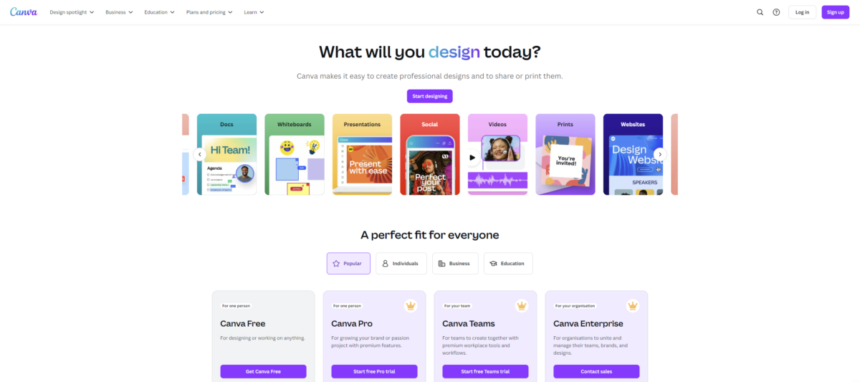
Canva is an all-in-one online graphic design platform that empowers users to create professional-quality designs easily. With its intuitive drag-and-drop interface, Canva makes it simple for beginners and professionals alike to produce stunning visuals for various purposes, including social media posts, presentations, logos, flyers, and more. The platform offers a vast library of templates, images, videos, and design elements to suit any project. Canva caters to individuals, teams, and businesses with flexible plans, collaboration tools, and advanced features like brand kits and AI-powered design tools, making it a go-to choice for creative and marketing needs. For more details, read our Canva review.
Features of The Free Canva Plan
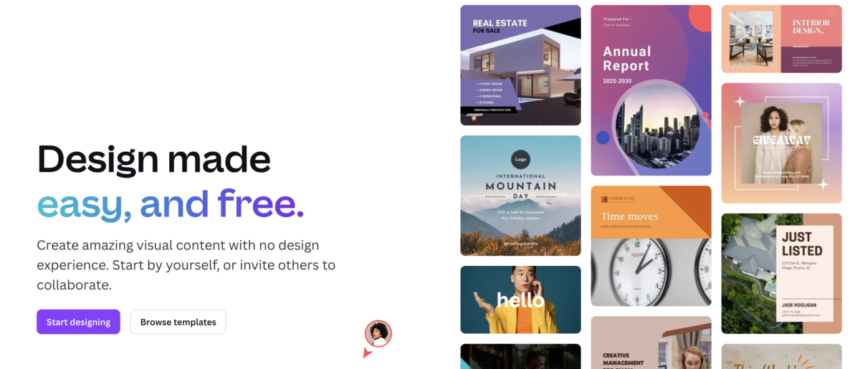
Canva's free plan is an incredible starting point for individuals and small teams who want to create stunning designs without breaking the bank. With an intuitive drag-and-drop interface and a robust set of features, Canva empowers anyone to design like a pro. Here’s what you get with Canva’s free plan:
- Template Library: Access 250,000 thousands+ customizable templates for social media, presentations, posters, and more
- Media Library: Choose from 1M+ free photos, graphics, and fonts to enhance your designs
- Free Use License: Covers free assets for personal or commercial use without attribution, as long as the usage adheres to Canva’s terms. Restrictions apply to resale or redistribution as standalone files
- Collaboration Tools: Share designs and collaborate with others via link
- Customizable Elements: Resize, crop, and edit elements to fit your vision perfectly
- Generative AI: Access text-to-image generation and limited AI editing features
- Cloud Storage: 5GB of space to save your designs and assets
- Download Options: Export designs in multiple formats, including PNG, JPG, and PDF
Canva’s free plan offers everything you need to create professional-quality designs quickly and easily without spending a dime.
Features of The Premium Canva Plan
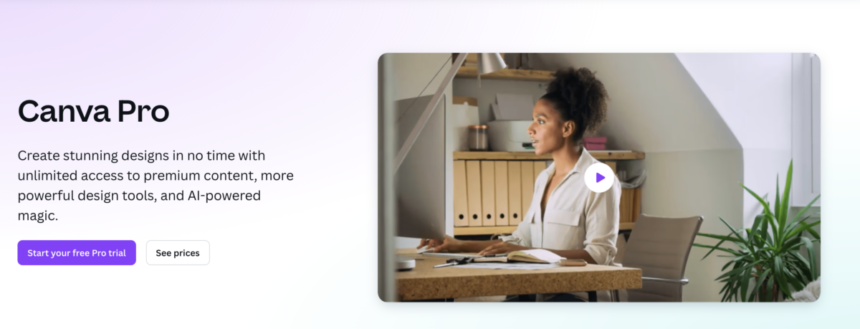
Canva Pro is designed for individuals and teams looking to elevate their creative projects with advanced features and enhanced resources. It’s a versatile, premium platform service that combines user-friendly design tools with professional capabilities, enabling you to create stunning visuals for personal or business use. Here’s what Canva Pro offers:
- Extensive Template Library: Access over 610,000 premium templates
- Massive Media Catalog: 100+ million premium stock photos, videos, and graphics to elevate your designs
- Unlimited Assets: Download as many templates and media files as you wish, at no added cost
- Pro License: Use premium assets worry-free, thanks to the one-time-use Pro License that covers extensive commercial projects, including items for resale
- Brand Kits: Build a cohesive brand identity by saving your brand colors, fonts, and logos for quick application across designs
- Collaboration Features: Work seamlessly with your team through shared folders, real-time collaboration, and comments to streamline workflows
- Generous Cloud Storage: Get 1TB of cloud storage and unlimited folders to save and organize all your creative assets in one place
- Generative AI Tools with Magic Studio: Save time with Magic Resize to adjust designs for different platforms instantly, remove image backgrounds in one swift, and generate unique content using Canva’s text-to-image or text-based editing tools, among other features
With Canva Pro, you unlock powerful features that simplify your workflow and enable you to bring your creative visions to life with ease.
Teams and Enterprise Features
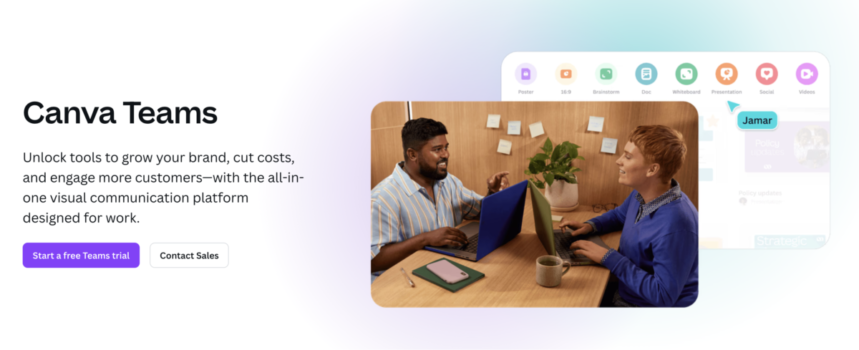
Canva’s Teams and Enterprise plans build on the features of the individual Pro plan, adding tools for larger teams and organizations.
The Team plans offer multiple logins for one central account and advanced collaboration features, such as shared team templates, approval workflows, and administrative controls to streamline teamwork. Enhanced brand management tools include multiple brand kits and centralized brand controls to ensure design consistency.
The Enterprise plan further adds single sign-on (SSO) integration, audit logs, and priority support for seamless operation and security. With these plans, teams can work efficiently, maintain brand integrity, and scale their creative efforts effortlessly across departments and projects.
Cost Comparison Between Free and Premium Plans
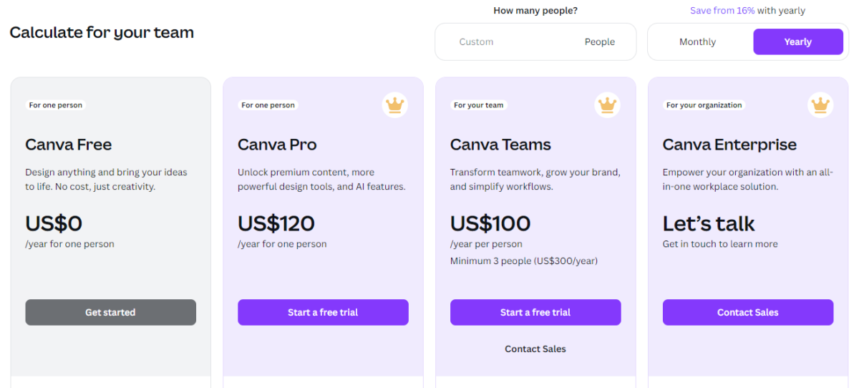
The table below compares the pricing options for Canva’s Free, Pro, Teams, and Enterprise plans, including both monthly and annual rates:
| Plan | Monthly Price | Annual Price |
|---|---|---|
| Free | $0 | $0 |
| Pro (Individual) | $15/month | $120/year ($10/month) |
| Teams | From $30/month for three users | From $300/year for three users |
| Enterprise | Custom pricing | Custom pricing |
You can get a detailed breakdown of these costs in our Canva pricing guide.
And remember there is a one-month free trial for Canva Pro!
Free and Pro License Differences
The Canva Free license covers assets available in the free plan, allowing personal and commercial use without attribution. However, usage is subject to Canva's terms, and assets cannot be resold or redistributed as standalone files. This license provides access to a limited collection of templates, photos, and graphics suitable for basic design needs.
The Canva Pro license extends to premium assets included in the Pro plan. It allows broader commercial rights, enabling users to use premium templates, images, and videos in marketing, advertising, and product creation. A key benefit of the Pro license is the removal of watermarks from premium assets, ensuring a polished look. Pro assets can also be customized and used in projects for resale (e.g., merchandise) as long as the design isn’t distributed as-is.
In summary, the Pro license offers greater creative flexibility, enhanced commercial rights, and access to a vast premium library. For more insight, read our Canva licensing guide.
Background Remover
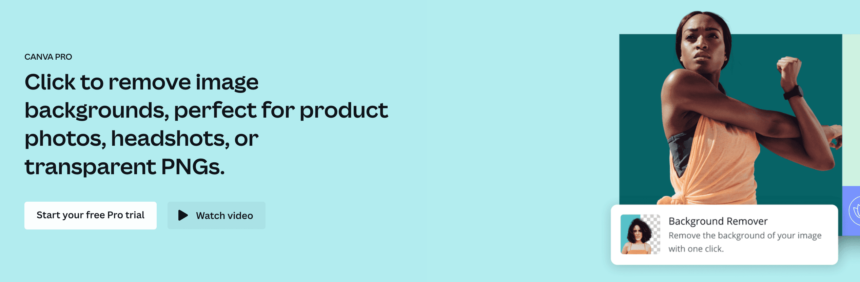
Canva’s Background Remover is a powerful tool that allows users to instantly remove the background from images, making it easy to create clean, professional designs. This feature is particularly useful for creating product photos, marketing materials, and social media graphics. With just one click, users can isolate the subject of an image and replace or customize the background.
The Background Remover is not available with Canva’s Free plan; it is exclusively included in the Pro, Teams, and Enterprise plans. Upgrading to one of these plans unlocks this tool, along with other premium design features and advanced editing capabilities.
Magic Resize
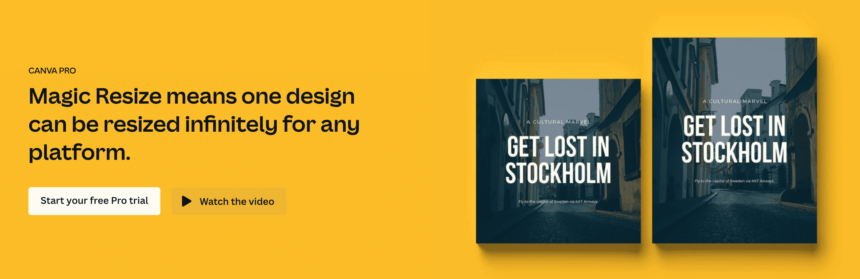
Canva’s Magic Resize is a highly popular feature that allows users to instantly adapt a design to multiple dimensions for various platforms. With a single click, you can resize a design for Instagram posts, Facebook covers, YouTube thumbnails, and more—eliminating the need to recreate designs from scratch. This tool saves time and ensures brand consistency across channels, making it a favorite among marketers and content creators.
Magic Resize is exclusively available in Canva’s Pro, Teams, and Enterprise plans. It’s one of the standout features that make upgrading worthwhile for users seeking efficiency and versatility in their designs.
Generative AI Tools
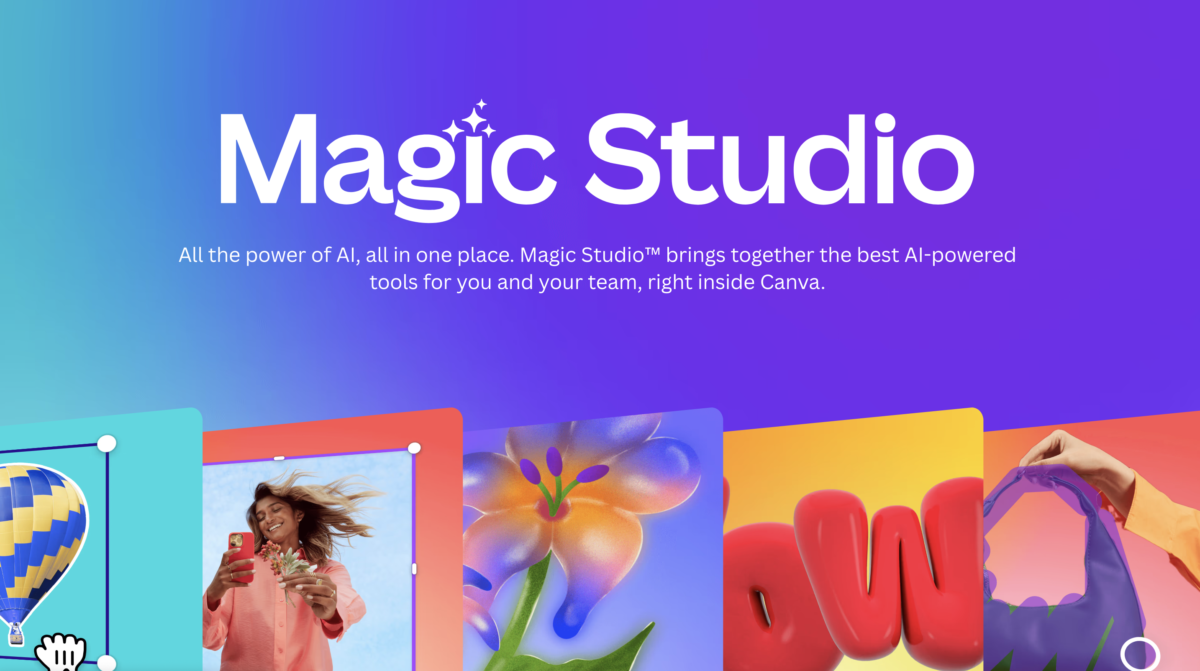
Canva’s Magic Studio is a suite of generative AI tools designed to enhance creativity and streamline workflows. These tools include Magic Write for generating text content, Text to Image for creating visuals from prompts, Magic Edit for image enhancements, and Magic Erase to remove unwanted elements. Pro, Teams, and Enterprise users gain access to the full range of AI features, while Free plan users have limited access to select tools like Text to Image. Magic Studio empowers users to save time, boost creativity, and simplify complex tasks, making it a game-changer for designers, marketers, and content creators.
Detailed Use Cases for Each Plan
Understanding the specific use cases for each Canva plan can help you determine which option is best suited for your needs. Below are some scenarios where each plan shines:
Free Version Use Cases
- Personal Projects: Ideal for creating invitations, greeting cards, and social media posts without any cost
- Learning and Experimentation: Great for beginners who want to learn graphic design basics and explore different styles
- Small Events: Perfect for designing flyers or promotional materials for small gatherings or community events
Pro Subscription Use Cases
- Small to Medium Businesses: Excellent for businesses that need to create marketing materials, presentations, and social media content regularly
- Branding Consistency: Ideal for companies that require a cohesive brand identity across all designs using the Brand Kit feature
- Advanced Collaboration: Suitable for teams that need to work together on projects, with real-time editing and feedback capabilities
Enterprise Solution Use Cases
- Large Organizations: Best for companies with extensive design needs and multiple teams requiring access to shared resources
- Custom Solutions: Ideal for organizations that need tailored templates and branding guidelines to maintain a consistent image
- Enhanced Security: Suitable for businesses that prioritize data security and require advanced user management features
User Reviews and Feedback on Both Plans
Seeing what strengths and areas of improvement other users find in Canva’s Free and Pro plans can help you determine which plan aligns best with your design needs and budget:
Users of Canva’s free plan appreciate its ease of use and accessibility, making it a favorite among beginners and casual designers. Many highlight the extensive library of free templates and graphics as a standout feature, enabling high-quality designs without cost. However, some users feel limited by the free plan's lack of premium assets and advanced tools like the Brand Kit. Despite these limitations, the free plan is widely regarded as an excellent starting point for those with basic design needs.
Canva Pro receives praise for its robust features and affordability compared to other professional design tools. Users particularly value the premium templates, access to over 100 million assets, and the time-saving Magic Resize tool. Small business owners and marketers commend the Brand Kit and team collaboration options. While some users find the annual payment model restrictive, most agree that the Pro plan offers exceptional value for professionals.
Pros and Cons of Each Plan
Here’s a breakdown of the strengths and limitations of Canva’s plans to help you evaluate which option suits your needs:
| Plan | Pros | Cons |
|---|---|---|
| Free Version | No cost involved Access to a wide range of templates User-friendly interface | Limited features and templates Less storage space No access to advanced tools like the Brand Kit |
| Pro Subscription | Access to a larger library of templates Advanced features for branding and collaboration More storage space | Monthly or annual subscription cost May be more than needed for casual users |
| Enterprise Solution | Custom branding and templates Advanced security features Unlimited storage and collaboration tools | Higher cost compared to other plans May be too complex for small teams |
Making a Decision: Factors to Consider Before Choosing a Plan
Selecting the right Canva plan depends on your design needs, budget, and intended use. Here are key factors to consider before making a decision:
- Usage Frequency: Determine how often you’ll use Canva—occasional users may find the Free plan sufficient, while frequent users may benefit from Pro features
- Asset Requirements: Assess whether free assets meet your needs or if access to premium templates, photos, and videos is essential
- Collaboration Needs: Teams requiring shared workflows and admin controls should explore Teams or Enterprise plans
- Storage Space: Consider the storage limits for your projects; Pro and higher plans offer more space
- Budget: Balance your budget against the features you need to avoid overspending
Final Thoughts
Choosing the right Canva plan depends on your specific needs, budget, and how often you intend to use the platform. The free version is an excellent way to get started, while the Pro and Enterprise options offer advanced features that can enhance productivity and creativity for professionals and businesses. By understanding the unique benefits and limitations of each plan, you can make an informed decision that aligns with your design goals.